

Whittle tip – Slope Profile Generation

By @Shoaib ZIA
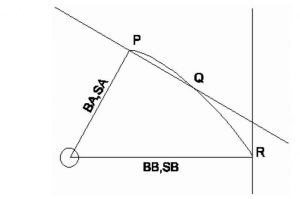
The way that GEOVIA Whittle generates angles are for each slope profile. This is done through the Slope Set Engine, which first converts the slope requirements into an inverted “cone” that defines the rock that must be mined to expose a point at the tip of the cone. At each bearing specified, this cone has the required slope. Between these bearings, the slope is interpolated.
If you have slopes that change more quickly than this, Whittle’s engines will detect it when they read the slope profile and will report the minimum bearing difference required.

In the following example, let’s assume you have the requirement of the slope profiles and angles as follows:

To achieve the required profile in Whittle, you have to create an attribute in block model for “Zones” and subdivide the zones according to the required azimuth.
- Assign zones according to profile and rock types

- Import BM using zone option and use required slope angle on relevant zones

- In slope type use option “Zone Number in Model file”

- Finally, apply the required slope angles to the relevant zones and Whittle will complete the run.

